


Original price was: $29.95.$0.00Current price is: $0.00.
Description
AOMEI Backupper Home is a backup software that is designed to safeguard Windows operating systems and data. It offers comprehensive backup solutions, including complete system, disk, partition, and file backups, without disrupting ongoing work. The software supports scheduled backups, incremental and differential backup options, and flexible storage destinations such as local disks, external drives, network NAS, and cloud storage. Notably, it facilitates cloning operations for HDD-to-SSD migrations, making it an excellent tool for upgrading system drives while maintaining data integrity.
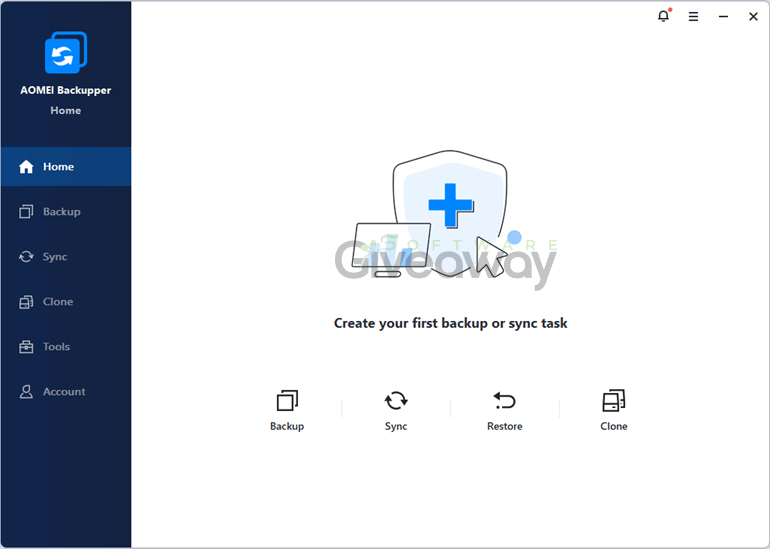
AOMEI Backupper Home also excels in restoring data efficiently, providing universal restore capabilities that accommodate different hardware setups and support dynamic disk management. Sync features enable real-time, two-way, and mirror syncing, ensuring files remain consistent across multiple locations. While the free Standard version provides robust basic functions, advanced features such as faster task execution, differential backup, and comprehensive email notifications are available only in paid versions. This balance caters well to both casual users and those seeking professional-grade solutions.
Features
- Backup Windows operating system, entire hard disk, partitions, and individual files: without interrupting work
- Customize backup settings: regular schedule, incremental backup, compress, split tasks, email notifications
- Clone hard drives and partitions: including HDD to SSD upgrade, intelligent sector clone skipping bad sectors
- Sync files and folders: to local, external, network/NAS, or cloud storage, with automatic scheduling
- Support file backup types: file backup, system backup, disk backup, partition backup
- Backup modes: automatic, incremental, differential (paid), sector-by-sector
- Backup destinations: local disk, external disk, USB flash drive, network/NAS, cloud drive, CD/DVD
- Backup dynamic disks and split backup images
- Restore options: file restore, system restore, disk restore, partition restore, dynamic disk restore, universal restore to different hardware
- Verify file integrity during synchronization
- Sync deletions synchronization and mirror sync for exact file matching
- Real-time sync and two-way sync
- Disk and partition cloning, including system clone with SSD alignment and sector-by-sector clone
- Adjust partition size and add unused space during clone
- Support for dynamic disk volume clone
- Create bootable media and recovery environment addition
- Email notifications with limited support on free version
- Command line utility for automation of backup, restore, and clone
- Pre/post command script execution
- PXE boot tool for LAN-based client maintenance
- Disk wipe feature for secure data erasure
- Backup scheme management: automatic deletion of old backups
- File filter settings to exclude certain file extensions from backup or sync
Special Offer
Giveaway Instructions
1. Download and install the software: AOMEIBackupperStd.exe
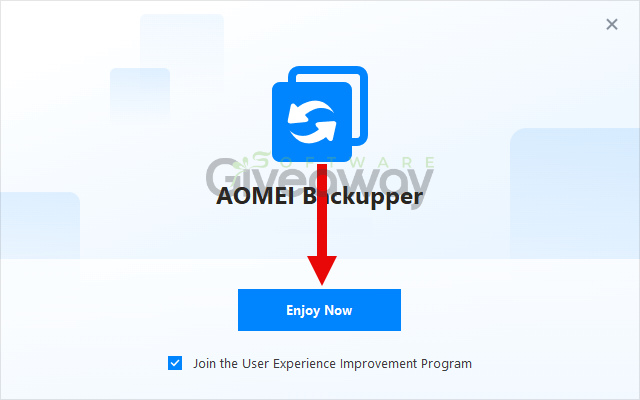
2. Launch the program, click Register, and activate it using the license key:
AMAB-CA6NL-7GMQ9-PD1QR
AMAB-KDLU1-TTFFE-IQZFZ
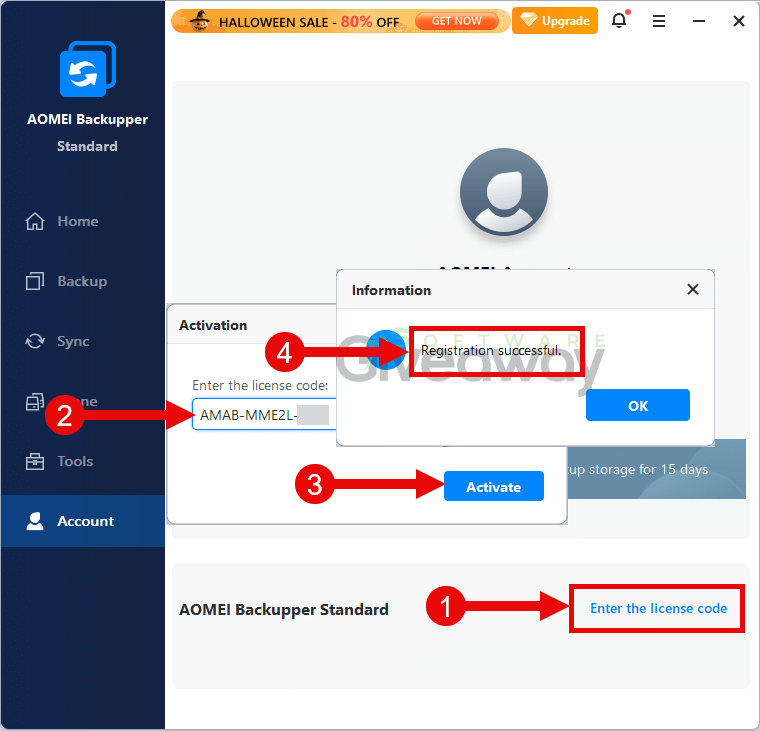
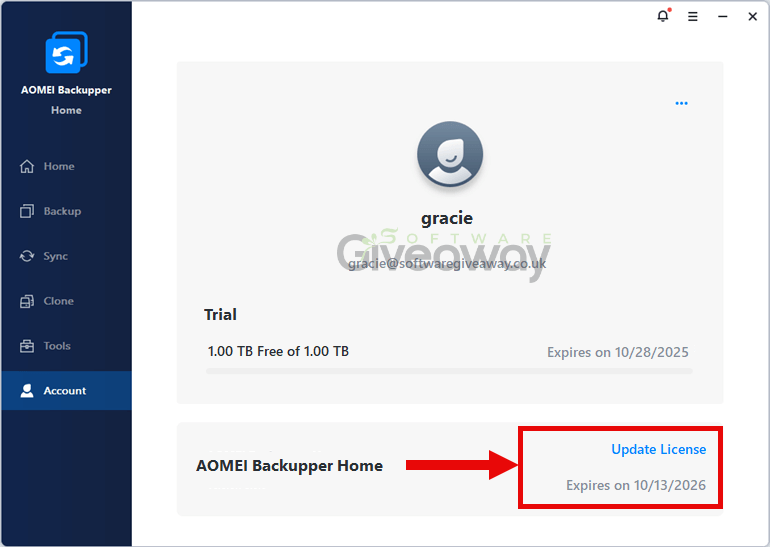
3. Enjoy the full version!
Terms and conditions
- This is a 1-year license for version 8.0.
- NO automatic renewal.
- There’s no free tech support.
- This is for personal use only. If sold, it will be disabled.
- End of giveaway promotion: January 01, 2026.
Additional information
Specification: AOMEI Backupper Home (100% Discount)
|
Reviews (0)
User Reviews
Be the first to review “AOMEI Backupper Home (100% Discount)”
You must be logged in to post a review.



There are no reviews yet.