
AOMEI Partition Assistant for Cleanup

Original price was: $29.95.$0.00Current price is: $0.00.
Description
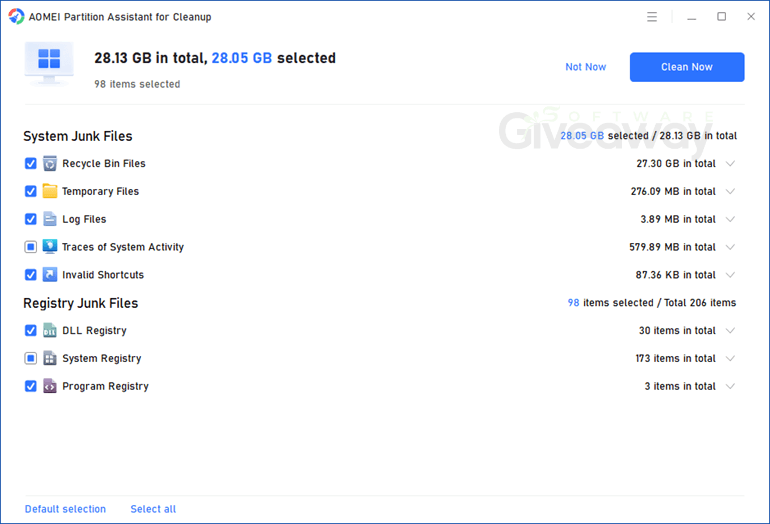
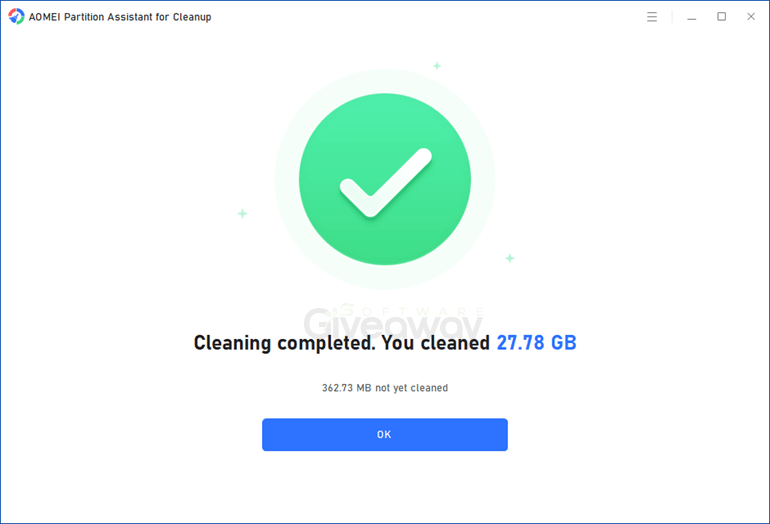
AOMEI Partition Assistant for Cleanup pledges to transform sluggish computers into fast, organised, and clutter-free workhorses. This all-in-one system optimizer utility impresses with its ability to swiftly detect and remove unnecessary files, including temporary files, system caches, logs, large, rarely used items, and file duplicates. Its advanced algorithms minimize the risk of deleting important data, providing users with preview and review options before anything is permanently erased. The software supports a wide range of file types, covering documents, media, and archives, making it suitable for comprehensive disk cleanup on both personal and professional setups. Safety and usability are emphasized, as the tool maintains a low resource footprint, operates with an intuitive interface, and works offline once installed.
However, AOMEI Partition Assistant for Cleanup is not without its drawbacks, especially when compared to other free utilities. While the interface is indeed beginner-friendly, full access to all features requires a paid subscription, which may discourage some casual users. The software’s cleanup results, while strong in internal tests, can vary based on user system configurations and the volume of accumulated clutter.
Features
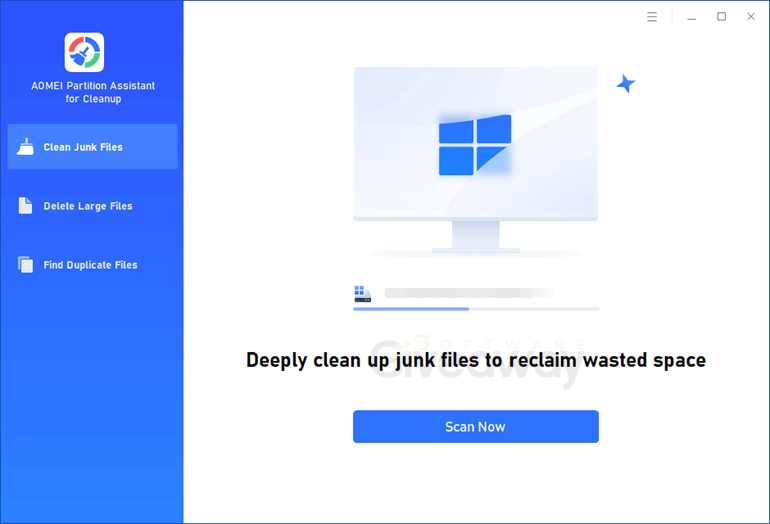
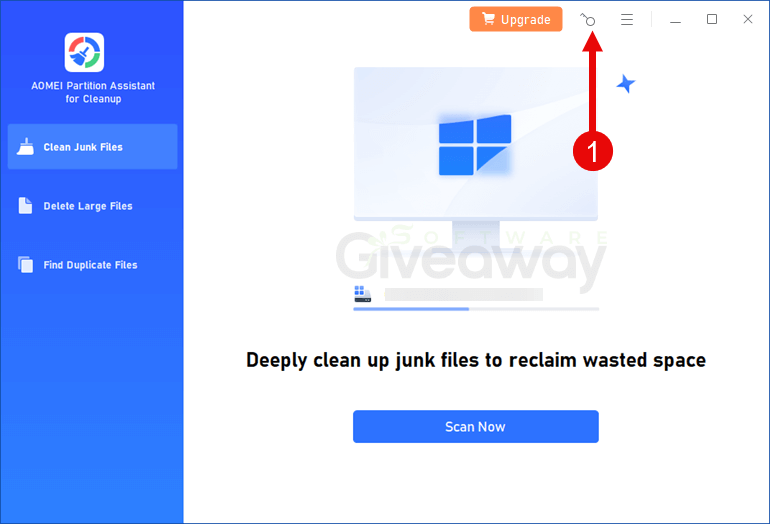
- Clean junk files: Scan for temporary files, caches, logs, and other unnecessary data to free up disk space and improve responsiveness.
- Delete large files: Detect rarely used large files such as videos, installers, and backups so users can selectively remove them and reclaim storage.
- Remove duplicate files: Identify and help delete duplicate documents, photos, videos, and other file types that waste space.
- Wide file type support: Work with documents, images, videos, audio, archives, emails, and web files across many common formats for thorough cleanup.
- Fast scan and clean: Offer relatively quick scans and cleanup operations, even on systems with substantial clutter.
- Unlimited cleanup scope: Support cleaning unlimited junk, large, and duplicate files rather than capping scan or removal volumes.
- Safety checks and previews: Provide suggestions and preview options so users can review items before deletion, reducing the risk of removing important data.
- Performance optimization: Help reduce RAM usage, speed up boot time, and improve overall system responsiveness by freeing resources and storage space.
- Scheduled or repeated cleaning: Allow users to run cleanup regularly to keep systems from accumulating excessive clutter over time.
- Offline operation: Require internet mainly for download and updates, while actual scan and cleanup tasks work without a continuous connection.
Special Offer



Giveaway Instructions
1. Download and install the software: AOMEI_PACleanup_Free.exe
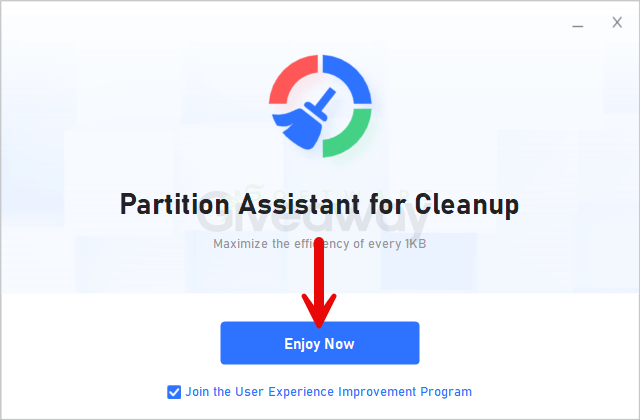
2. Launch the program, click on the key icon, and activate it using the license key: LicenseKey-PAC-softwaregiveaway.co.uk.zip
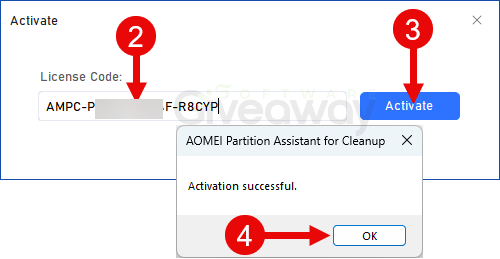
3. Enjoy the full version!
Terms and conditions
- This is a 1-year license for the current version.
- You can’t upgrade the software for free.
- There’s no free tech support.
- End of giveaway promotion: Jan 10, 2026.
Additional information
Specification: AOMEI Partition Assistant for Cleanup
|
Reviews (0)
User Reviews
Be the first to review “AOMEI Partition Assistant for Cleanup”
You must be logged in to post a review.
Related Products




There are no reviews yet.