


Original price was: $4.99.$0.00Current price is: $0.00.
Description
Looking for a file management tool that does more than just zip and unzip? Kingshiper File Manager stands out as an all-in-one solution for Windows users, offering high-speed file compression and extraction with support for over 60 archive formats, including ZIP, 7Z, TAR, and GZ. The software’s batch processing capability allows users to compress and extract multiple files at once without quality loss, making it ideal for those handling large volumes of data. Security is also a strong point, with the option to set passwords for compressed archives, ensuring sensitive information stays protected. Kingshiper File Manager provides a list view that makes organizing, previewing, and managing files straightforward-even letting you preview text and images inside archives without extraction.
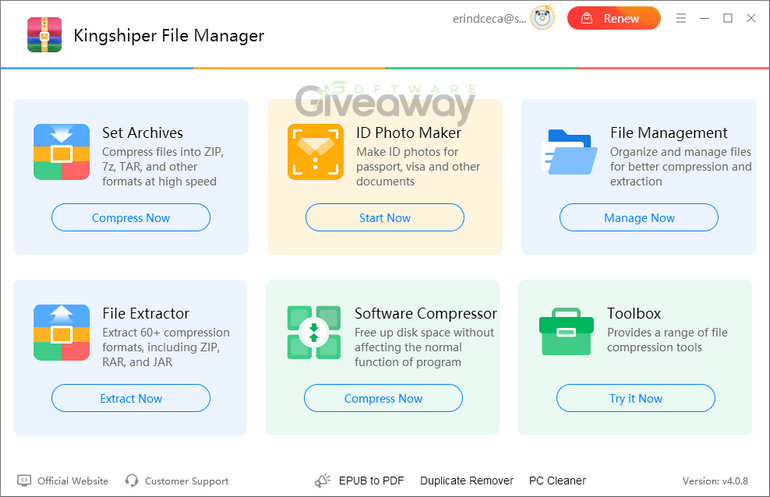
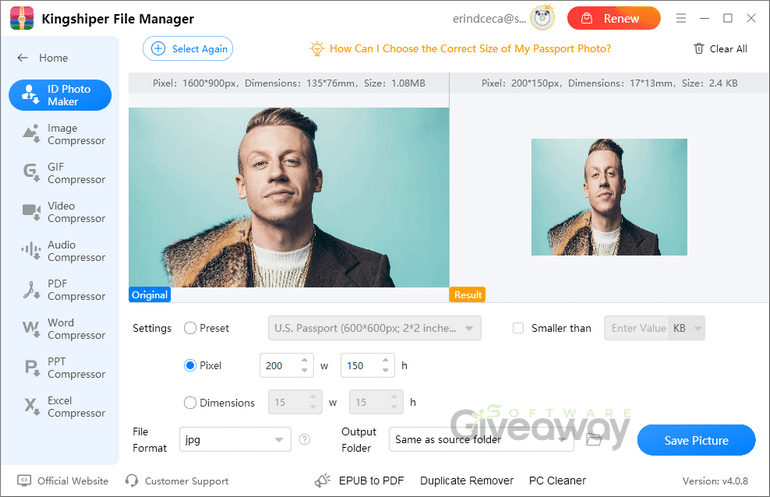
Beyond basic file handling, Kingshiper File Manager offers intelligent features that set it apart from traditional file managers. Its advanced smart scanning identifies software and files that can be compressed to save disk space, and its lossless compression ensures that program functionality remains unaffected. Kingshiper File Manager also includes customizable compression settings for images, videos, audio, and documents, catering to a wide range of user needs. The built-in ID photo maker allows you to create compliant passport, visa, and ID photos. While the free version has limitations, upgrading unlocks the full suite of features without watermarks. Overall, Kingshiper File Manager is a versatile and efficient choice for anyone seeking robust file management, compression, and extraction in one package.
Features
- Compress files at lightning speed
- Offers a variety of compression methods tailored to your needs
- Compatible with popular formats such as ZIP, 7Z, TAR, GZ, and more
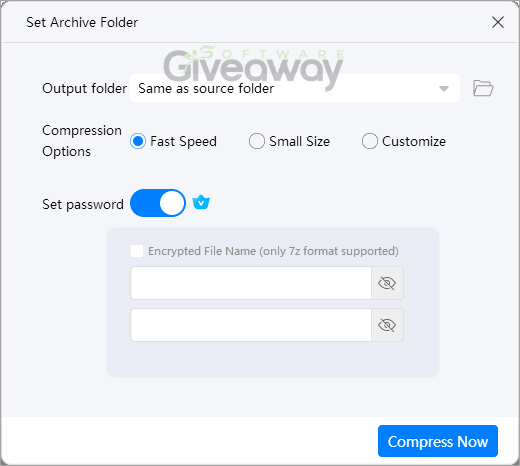
- Allows you to set passwords for archives to protect your files
- Quickly extract files in seconds, making file access faster and more efficient
- Supports 50+ different archive formats for maximum convenience
- Compress and extract files in batches without losing quality
- Advanced smart scanning to identify software that can be compressed
- One-click to compress software to effectively reduce file size
- Lossless compression without affecting the normal function of programs
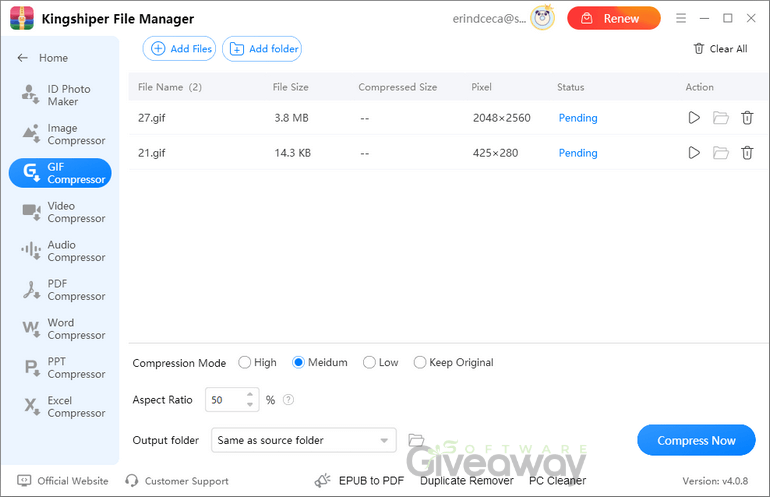
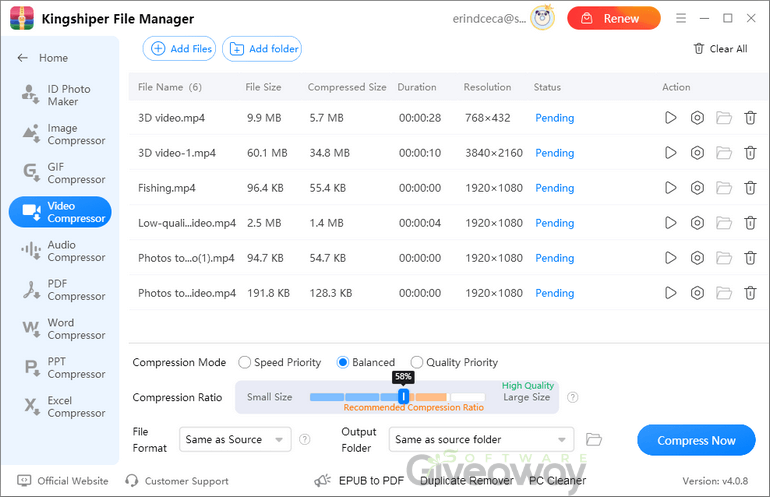
- Easily reduce the size of images, videos, audio files, and documents
- Customizable compression settings to meet all your needs
- Powerful ID photo maker to help you create passport, visa, and ID photos online
- Manage files effortlessly in the list view to better extract/compress files
- Preview files within the archive without needing to extract
- Fast and quickly preview text and images
- Free download available with optional paid upgrade
Special Offer





Giveaway Instructions
1. Submit your email and captcha here to receive a free installation: Giveaway link
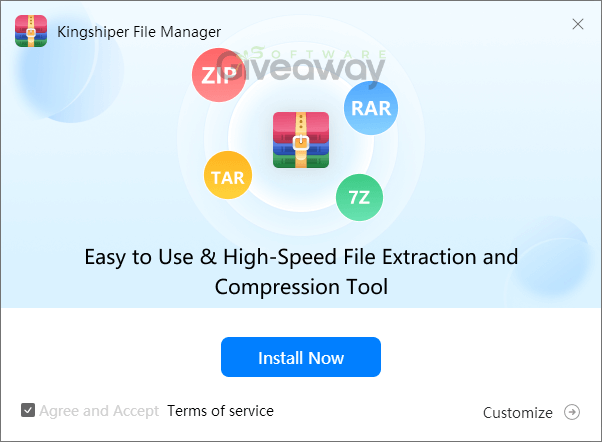
2. Download and install the software:
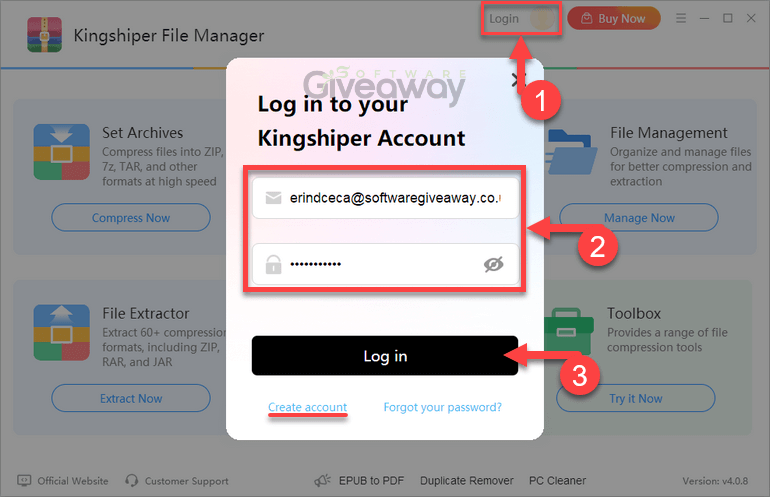
3. Launch the program, click Login, and register or log in to get 6 months free.
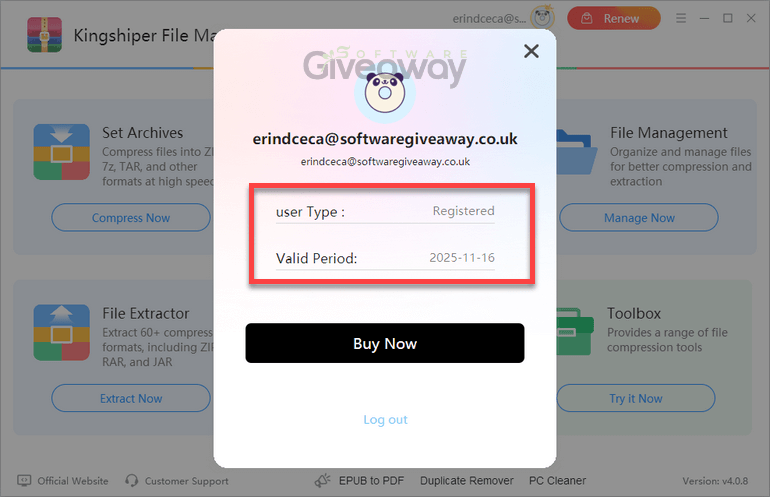
4. Enjoy the full version!
Terms and conditions
- This is a 6-month license for version 4.0.8
- You can’t upgrade the software for free.
- There’s no free tech support.
- End of giveaway promotion: Ending soon.
Additional information
Specification: Kingshiper File Manager
|
Reviews (1)
1 review for Kingshiper File Manager
Add a review
You must be logged in to post a review.
Related Products





Erind Ceca –
Kingshiper File Manager is a fast, versatile solution for file compression and extraction, suitable for Windows users handling large data volumes. It supports over 50 archive formats, batch processing, lossless compression, password protection, and built-in file preview features. Despite limited free version features, it offers efficient, reliable, and user-friendly file management.