


Original price was: $29.88.$0.00Current price is: $0.00.
Description
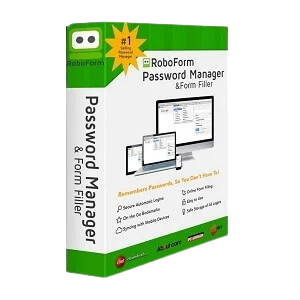
RoboForm Premium positions itself as a next-generation password manager with a strong focus on convenience and security. Its most appealing feature is the seamless automation of everyday tasks, from generating strong, unique passwords to enabling one-click logins and form filling across websites and apps. The platform works across devices and browsers, including private modes, making it versatile for users with varied workflows. Security is clearly a priority, with AES256-bit encryption, zero-knowledge architecture, and built-in tools that scan for weak or compromised passwords. Features like secure password sharing and emergency access add practical value. While the interface prioritizes ease of use, some users may still find the number of features slightly overwhelming at first.
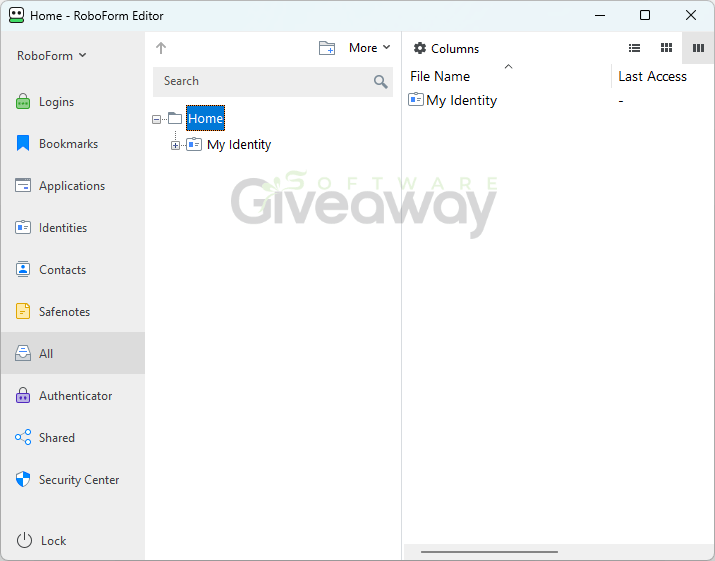
Beyond basic password management, RoboForm Premium introduces advanced features that aim to keep it competitive in a crowded market. Its enhanced two-factor authentication options, including passkeys and hardware security keys, offer flexible protection layers. Passwordless unlock using biometrics or device PIN adds both convenience and modern security appeal. The inclusion of data breach monitoring for multiple email addresses is particularly useful, as it not only alerts users but also suggests corrective actions. Setup is straightforward, with easy import options and continuous access across devices. However, while it offers extensive functionality and priority support, users comparing it to simpler browser-based managers may need time to fully appreciate its broader capabilities and security depth.
Features
- Password generation and automatic saving: Creates strong, unique passwords for each account and stores them securely.
- One-click logins and form filling: Instantly logs into websites and fills forms without manual input.
- Compromised password alerts: Scans for weak, reused, or breached passwords and notifies users.
- Secure password sharing: Safely shares credentials with trusted contacts without exposing sensitive data.
- Advanced two-factor authentication (2FA): Supports passkeys, hardware security keys, trusted devices, and traditional methods like SMS and authenticator apps.
- Passwordless unlock: Allows access using biometrics or device PIN via passkeys.
- Data breach monitoring: Monitors up to five email addresses and alerts users if data is exposed.
- Cross-device access: Works across all devices, browsers, and even private/incognito modes.
- Secure backup: Stores encrypted backups locally or in the cloud for easy recovery.
- Emergency access: Grants trusted contacts access to accounts when needed.
- Built-in authenticator (TOTP): Generates time-based one-time passwords for additional security.
- Form saving and filling: Stores and auto-fills complex online forms beyond just login fields.
- Import options: Supports importing data from browsers, other password managers, or CSV files.
- Security center dashboard: Provides insights into password strength and security risks.
- Zero-knowledge encryption: Ensures only the user can decrypt their data with a master password.
- AES256 encryption with PBKDF2 SHA256: Protects data against brute force and dictionary attacks.
- Phishing protection: Helps prevent entry of credentials on malicious websites.
- Clipboard auto-clear: Removes copied sensitive data automatically after use.
- Multi-account login support: Enables logging into multiple accounts on the same site easily.
- Windows application login support: Extends password autofill beyond browsers to desktop apps.
Special Offer



Giveaway Instructions
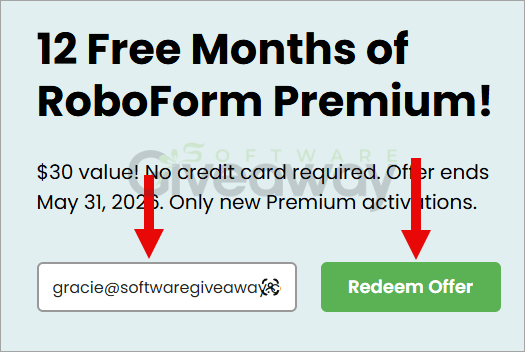
1. Submit your name and email here to receive a free license: Giveaway link
2. Download and install the software: Install RoboForm
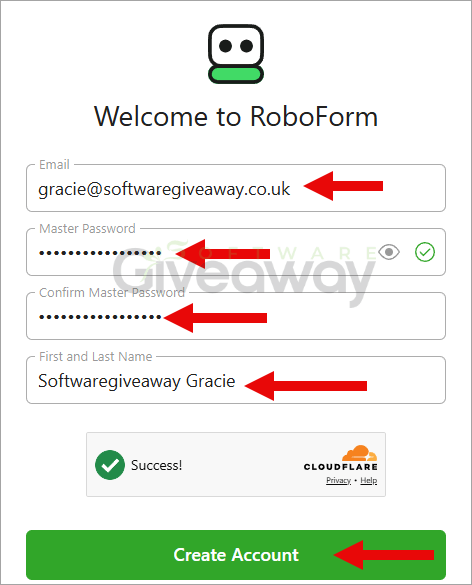
Create your account with your email address and password
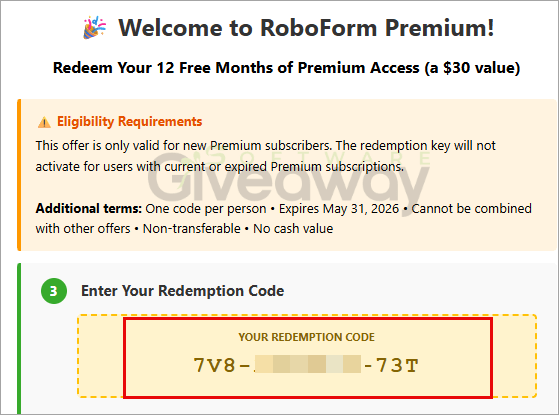
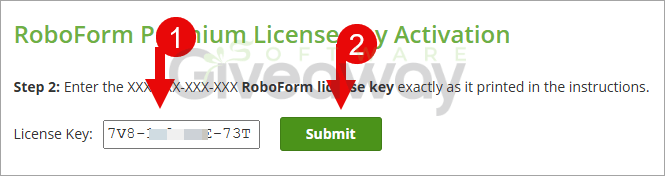
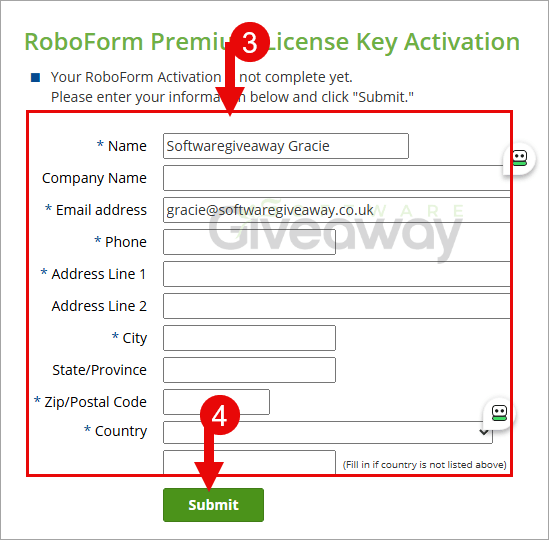
Visit the activation page and log in with the account you just created. Enter Your Redemption Code
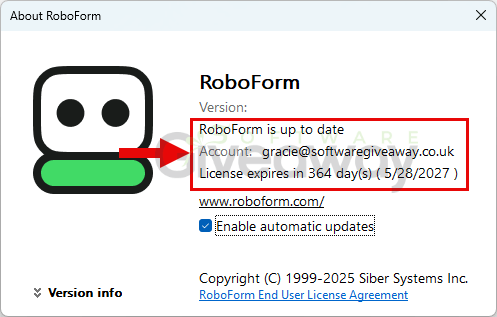
3. Launch the program, and enjoy the software for 1-year free!
Terms and conditions
- This is a 1-year license
- Non-commercial usage
- Free update and tech support for 1-year
- The giveaway is until May 31, 2026.
Additional information
Specification: RoboForm Premium (100% Discount)
|
Reviews (0)
User Reviews
Be the first to review “RoboForm Premium (100% Discount)”
You must be logged in to post a review.


There are no reviews yet.