
SoftOrbits Voice Silence Remover (100% Discount)

Original price was: $39.99.$0.00Current price is: $0.00.
Description
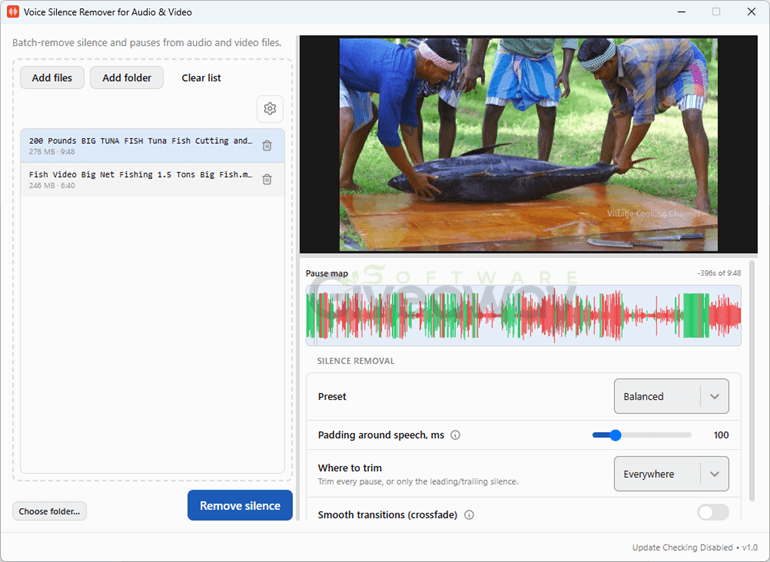
Dead air can make even strong recordings feel longer than they need to be. SoftOrbits Voice Silence Remover is a Windows desktop tool that batch-detects and trims pauses from audio and video while keeping original files unchanged. Rather than relying solely on volume thresholds, it uses voice-activity detection intended to distinguish speech from background noise, helping preserve quieter words. Users can process individual clips or folders, preview detected pauses, and choose Gentle, Balanced, Aggressive, or custom settings for sensitivity, minimum pause length, and retained padding. It supports common audio and video formats and reports duration and percentage removed for each file. The offline workflow and no-account approach may appeal to privacy-conscious creators. However, results will still depend on recording quality and the selected detection settings.
Features
- Voice-aware silence detection: Identifies speech more accurately than basic volume-based gates, helping retain quiet words and soft consonants.
- Audio and video trimming: Removes pauses from common audio formats such as MP3, WAV, M4A, AAC, and FLAC, plus video formats including MP4, MKV, MOV, AVI, and WMV.
- Batch processing: Handles individual files, multiple clips, or entire folders, including subfolders.
- Pause preview: Marks detected silent sections in the player before users apply edits.
- Ready-made presets: Offers Gentle, Balanced, and Aggressive modes for different levels of silence removal.
- Custom controls: Lets users adjust detection sensitivity, minimum pause duration, and the amount of padding retained around speech.
- Head and tail trimming: Can trim silence throughout a file or only at its beginning and end.
- Frame-accurate video cuts: Keeps video and audio synchronized after trimming, including with variable-frame-rate clips.
- Safe output files: Saves edited versions with a _nosilence suffix or to a selected destination without modifying originals.
- Processing reports: Shows each file’s original and final duration, along with seconds and percentage removed.
- Offline operation: Processes recordings locally on a Windows PC without uploads or account registration.
- No plugins or command line: Works as a standalone application without requiring scripts, plugins, or another editing program.
Giveaway Instructions
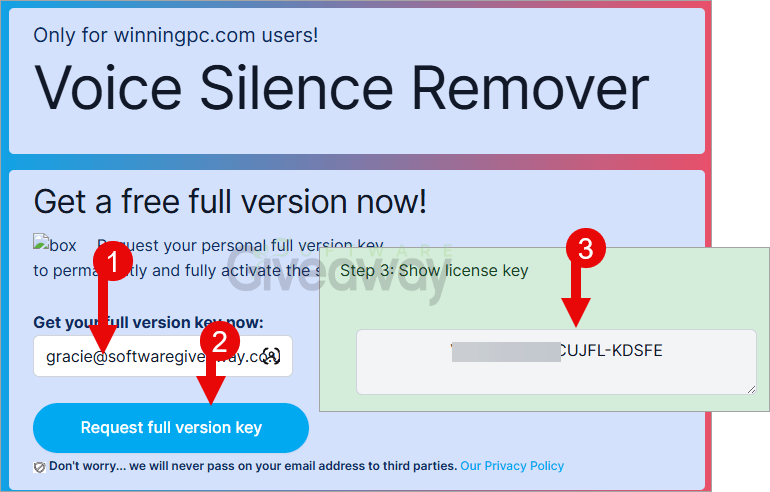
1. Submit your email, name, and country here to receive a free license: Giveaway link-1
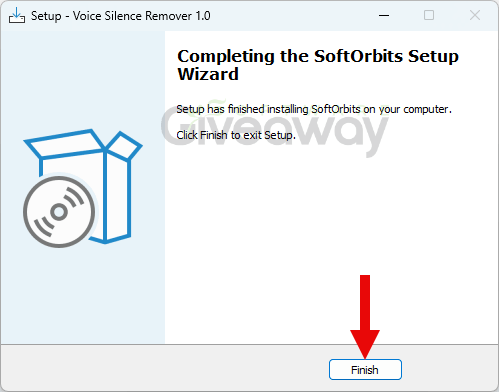
2. Download and install the software: VoiceSilenceRemover.exe
3. Launch the program, click on the key icon, and activate it using your email and the license key you received.
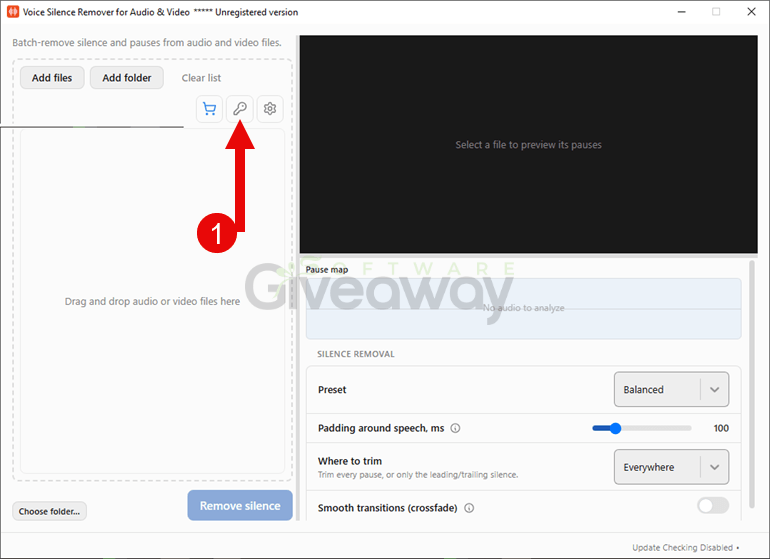
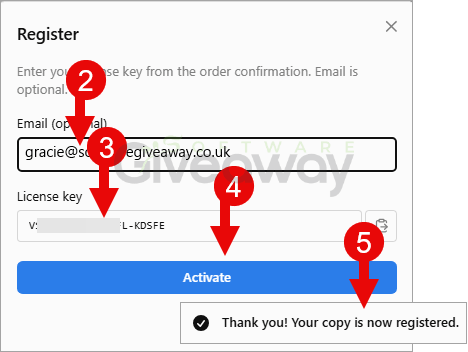
4. Enjoy the full version!
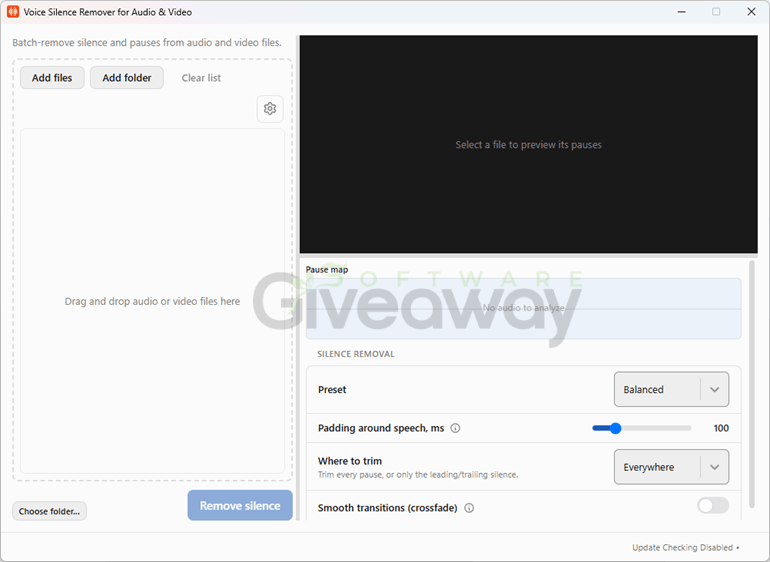
Terms and conditions
- This is a lifetime license for version 1.5
- You can’t upgrade the software for free.
- There’s no free tech support.
- End of giveaway promotion: Ending soon.
Additional information
Specification: SoftOrbits Voice Silence Remover (100% Discount)
|
Reviews (0)
User Reviews
Be the first to review “SoftOrbits Voice Silence Remover (100% Discount)”
You must be logged in to post a review.
Related Products





There are no reviews yet.