
SurSort Media Manager for Windows & macOS (100% Discount)


Original price was: $19.95.$0.00Current price is: $0.00.
Description
Your media library shouldn’t feel like a digital junk drawer. SurSort Media Manager brings audio and video files into one searchable library, with results appearing as you type across filenames, formats, and tags. It automatically organizes media using embedded metadata, while manual tags offer flexibility. Hover previews let you check files without opening another application, and the Unseen feature hides items without moving or deleting them. For privacy, SurSort operates offline without accounts, cloud storage, or tracking, and offers password protection with encryption. Available for PC and Mac, it could suit users seeking local media organization. However, its advertised speed, efficiency, and encryption strength would need independent testing before drawing firm conclusions about performance or security in everyday use scenarios.
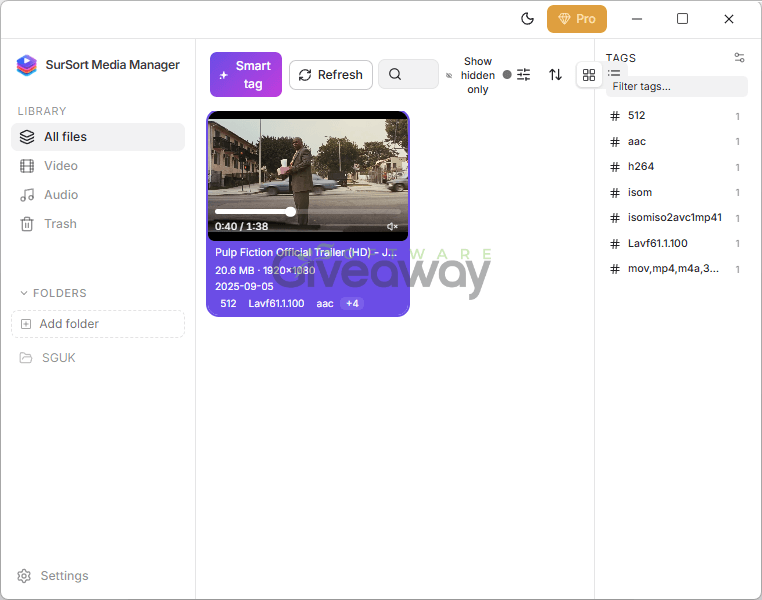
SurSort Media Manager
Features
- Instant Search: Find audio and video files as you type, with matching results across filenames, file formats such as MP3 and MP4, and manual or automatically generated tags.
- Password Protection: Protect private media with password-based encryption, keeping locked files hidden and accessible only after entering your password.
- Automatic Tagging: Organize files using embedded metadata, including artist, date, or device information.
- Custom Tags: Add your own tags to personalize your library and make files easier to find.
- Instant Preview: Hover over audio or video files to preview them without launching another application.
- Unified Media Library: Manage voice memos, podcasts, home videos, and music in one searchable collection.
- Offline Privacy: Manage files entirely offline without cloud storage, accounts, or tracking.
- Unseen Mode: Hide selected files from your library view without moving or deleting them.
- Lightweight Design: Designed to organize media efficiently without getting in the way of your workflow.
- PC and Mac Support: Available for both platforms, with a straightforward download-and-open setup.
Giveaway Instructions
1. Download and install the software:
SurSortMediaManager.exe
SurSortMediaManager.dmg
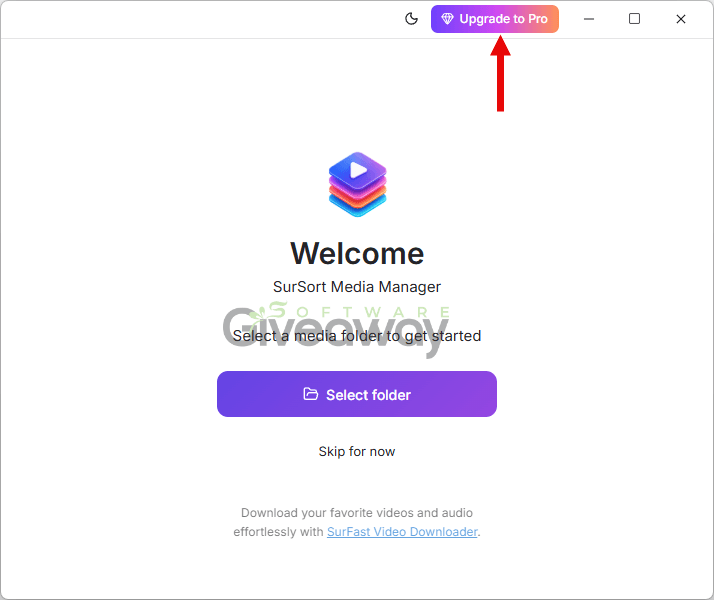
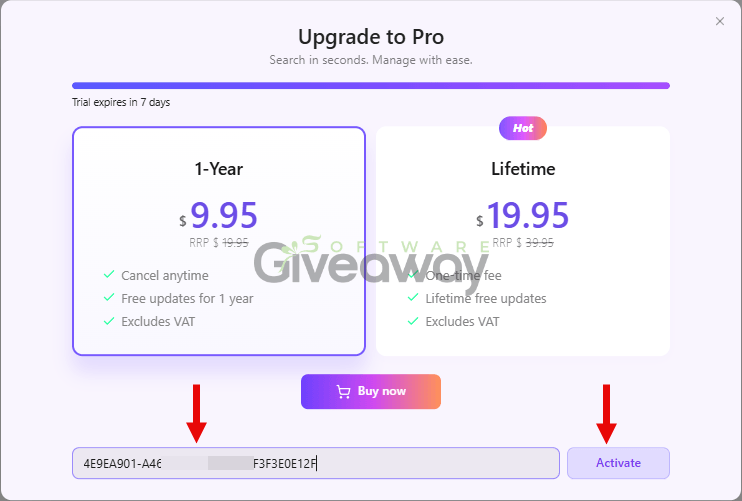
2. Launch the program, click on the key icon, and activate it using SurSort Media Manager for Mac & Windows license code: 4E9EA901-A462-C701-CCBE-45F3F3E0E12F
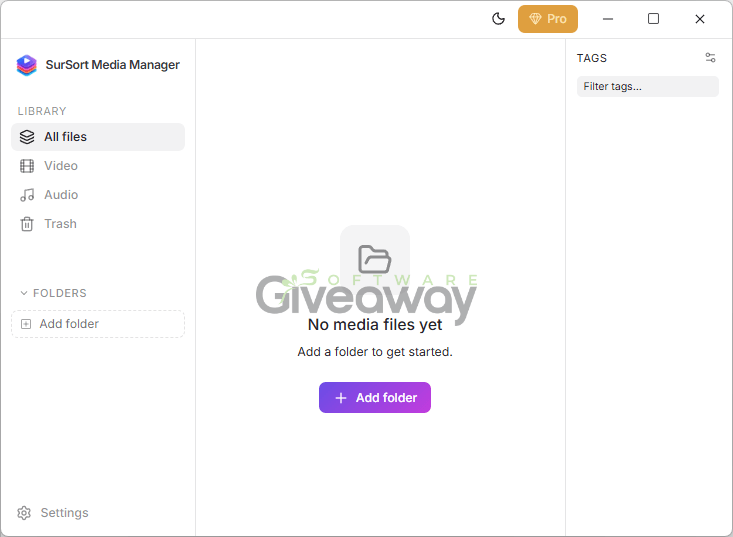
3. Enjoy the full version!
Terms and conditions
- This is a 6-month license.
- You can’t upgrade the software for free.
- There’s no free tech support.
- Please activate the code ASAP
Additional information
Specification: SurSort Media Manager for Windows & macOS (100% Discount)
|
Reviews (0)
User Reviews
Be the first to review “SurSort Media Manager for Windows & macOS (100% Discount)”
You must be logged in to post a review.






There are no reviews yet.